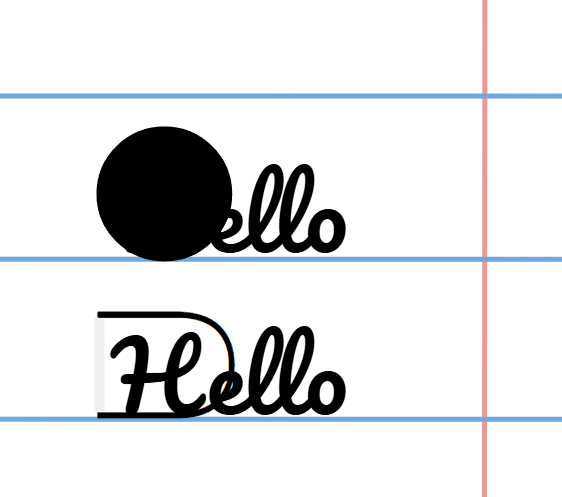
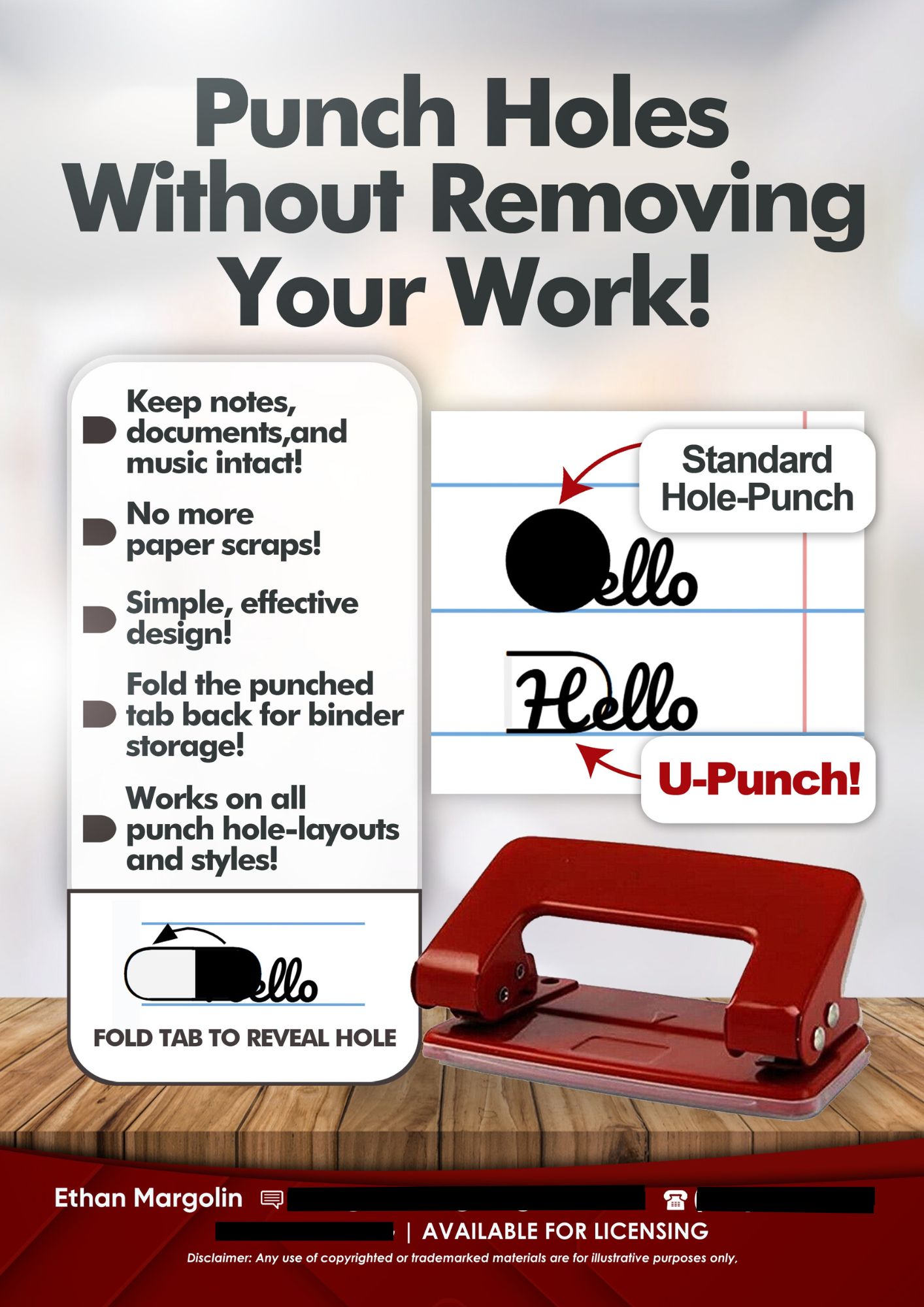
Traditional hole punches destroy content near the margin and generate paper waste. U-Punch replaces circular cutouts with a tabbed punch geometry that keeps the punched material attached, then folds back to create a usable binder hole.
Sell Sheet
Problem
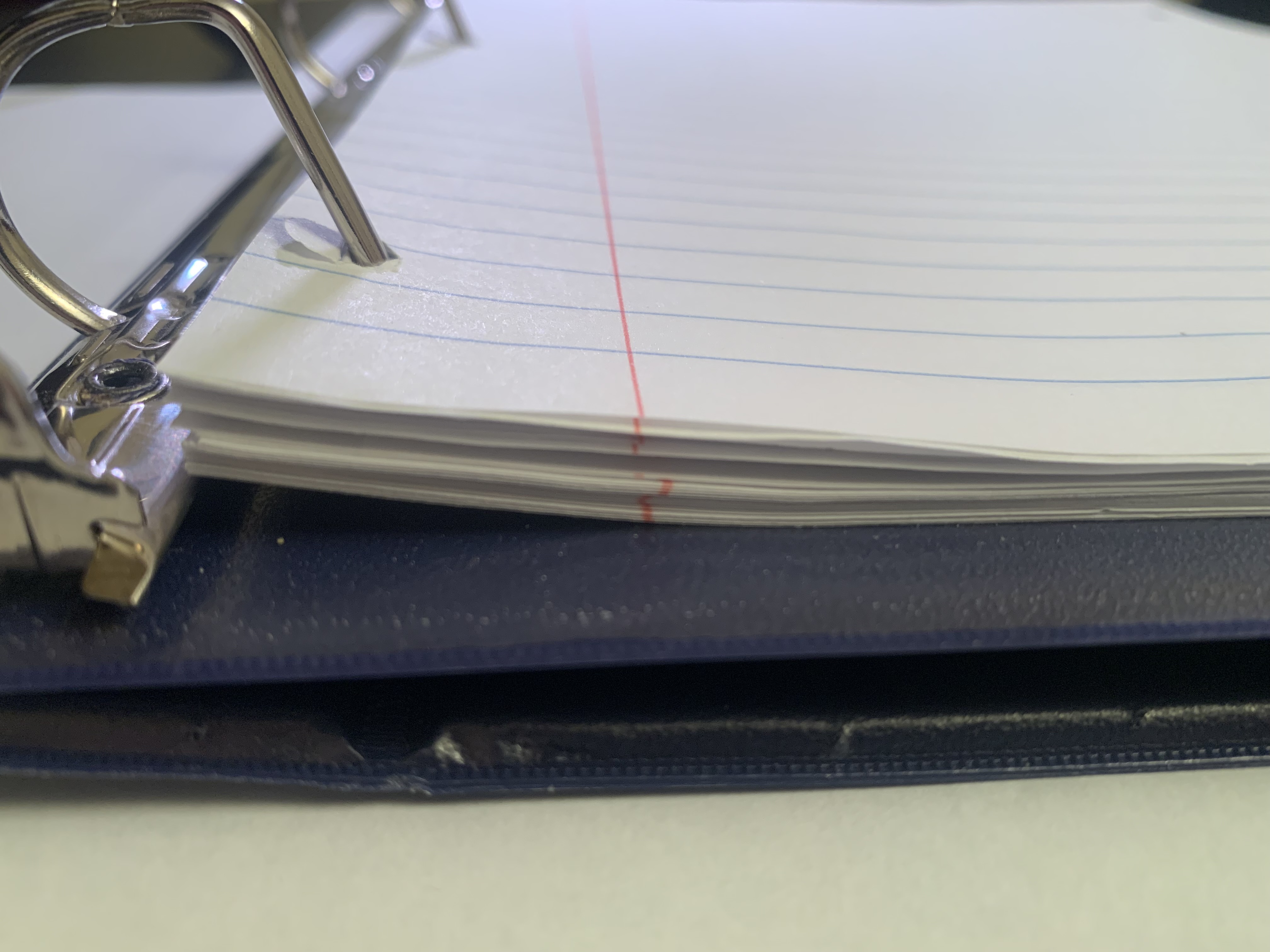
Standard hole punches remove part of the page, which can destroy important notes, music, or document content and generate paper scraps. Storing or copying pages can leave missing information right where binders require holes.
Solution
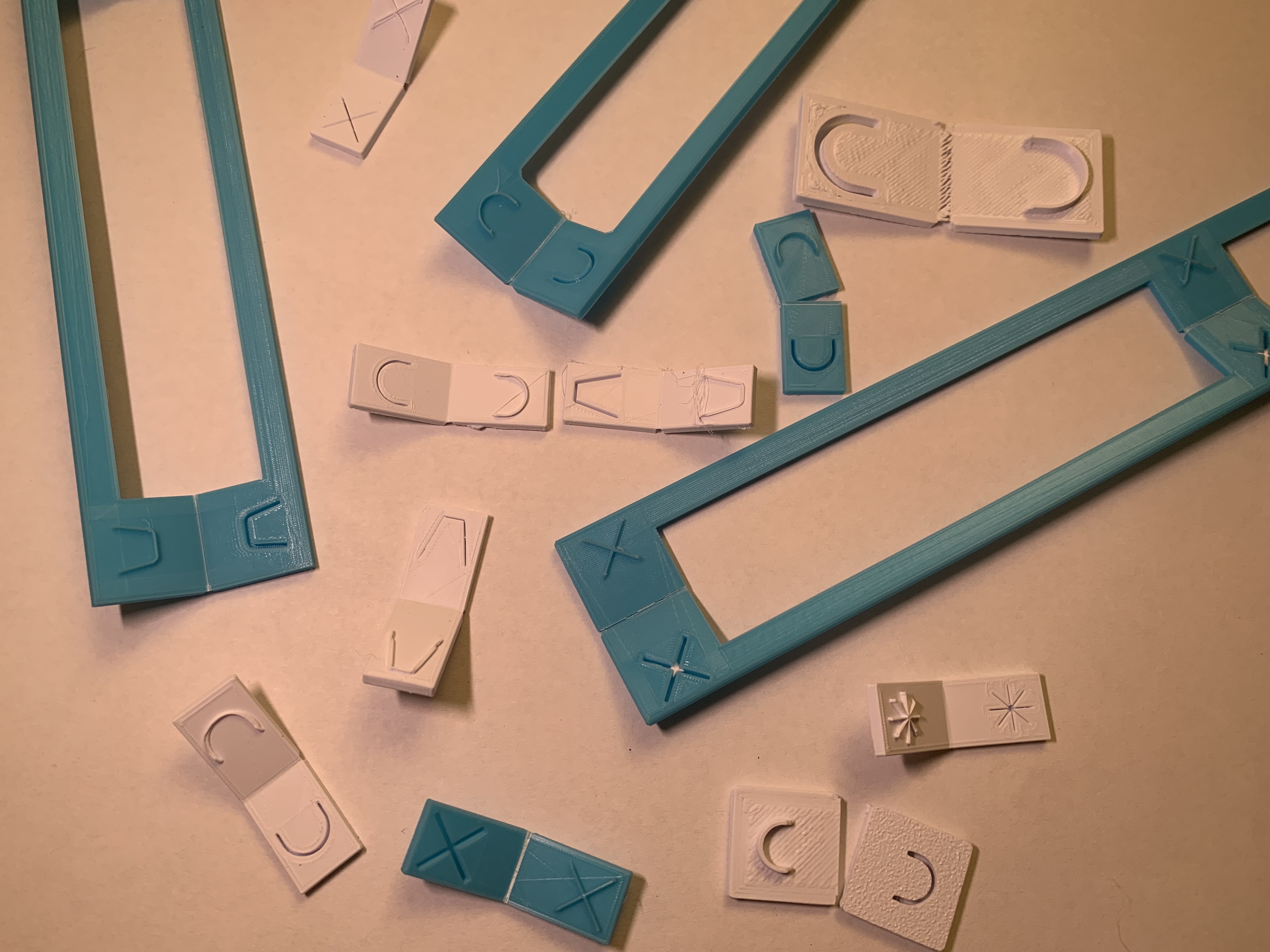
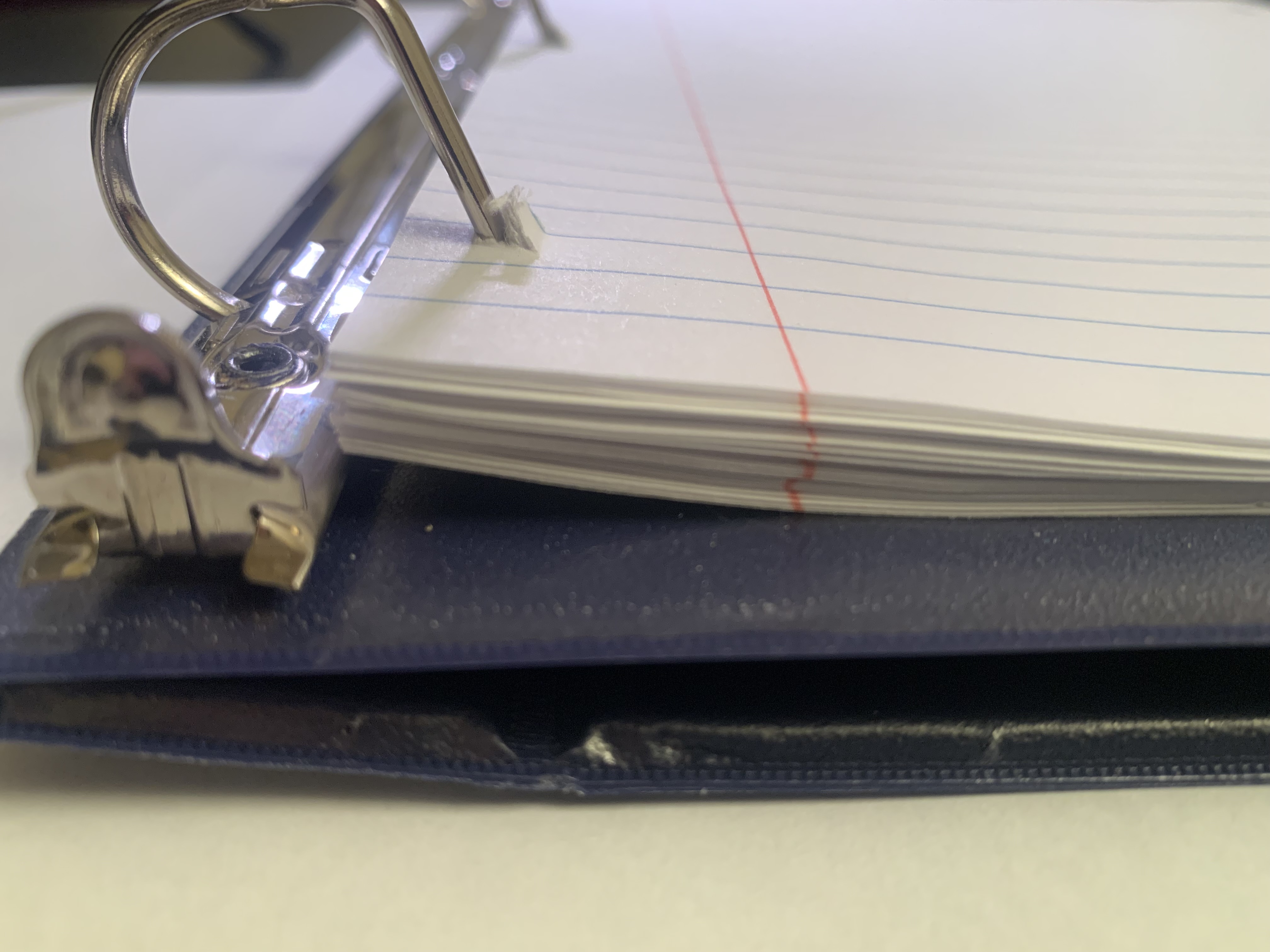
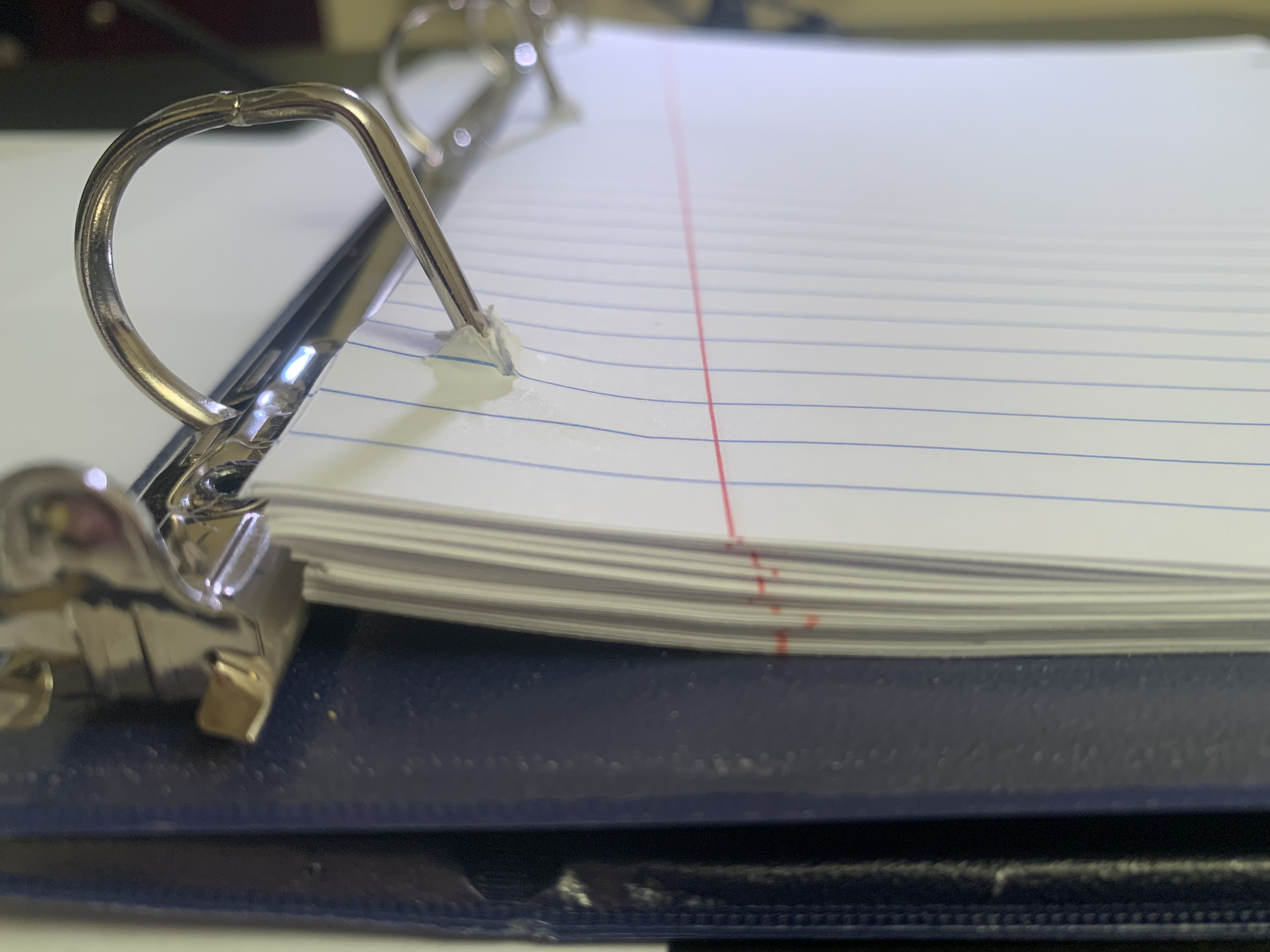
A U-shaped punch creates a hinged tab that stays attached to the sheet, then folds back to open the hole for binder rings. The same concept evolves into V-Punch and X-Punch variants to improve stack behavior and binder insertion.
Engineering Highlights
- Zero-waste punch geometry: Creates binder holes by cutting tabs that remain attached to the page instead of removing material.
- Binder-first constraints: Designed around standard ring binders so pages can be stored without sacrificing content near the margin.
- Tab-to-hole mechanism: Hinged tab folds back to form the hole while preserving the original paper material.
- Design iteration driven by testing: U-Punch validated the mechanism, then V-Punch and X-Punch refined binder stack and insertion workflow.
- V-Punch usability upgrade: Interlocking tab behavior reduces stack height increase and supports inserting pages as a stack without pre-folding.
- X-Punch variant: Retains V-Punch functional advantages with a different multi-tab aesthetic.
- Manufacturability mindset: Simple geometry intended to be cost-competitive with conventional punches and adaptable to 2-hole, 3-hole, or industrial punch heads.
Testing & Verification
Testing focused on binder stack behavior, insertion workflow, and whether punched content stays readable once stored.
| Variant/Function | What was tested | Pass condition |
|---|---|---|
| U-Punch | Binder stack height after punching ~20 pages | Increase is minimal but noted as a drawback |
| U-Punch | Workflow (tab folding before inserting) | Works, but requires manual pre-folding per tab |
| V-Punch | Stack height behavior | Tabs interlock to prevent unnecessary height increase |
| V-Punch | Binder insertion workflow | Pages can be inserted as a stack without pre-folding |
| V-Punch | Visibility in binder | Tabs face inward so content remains visible |
| X-Punch | Function relative to V-Punch | Retains V-Punch advantages with different aesthetic |
- Iteration decisions were based on removing the U-Punch drawbacks while keeping the no-removal premise.
Image gallery